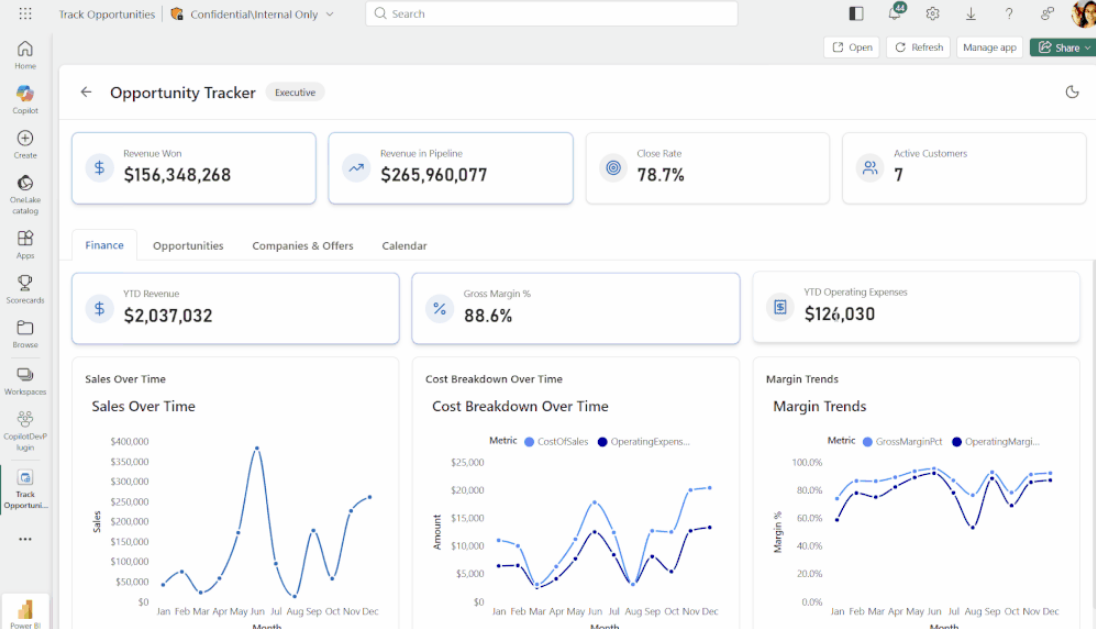
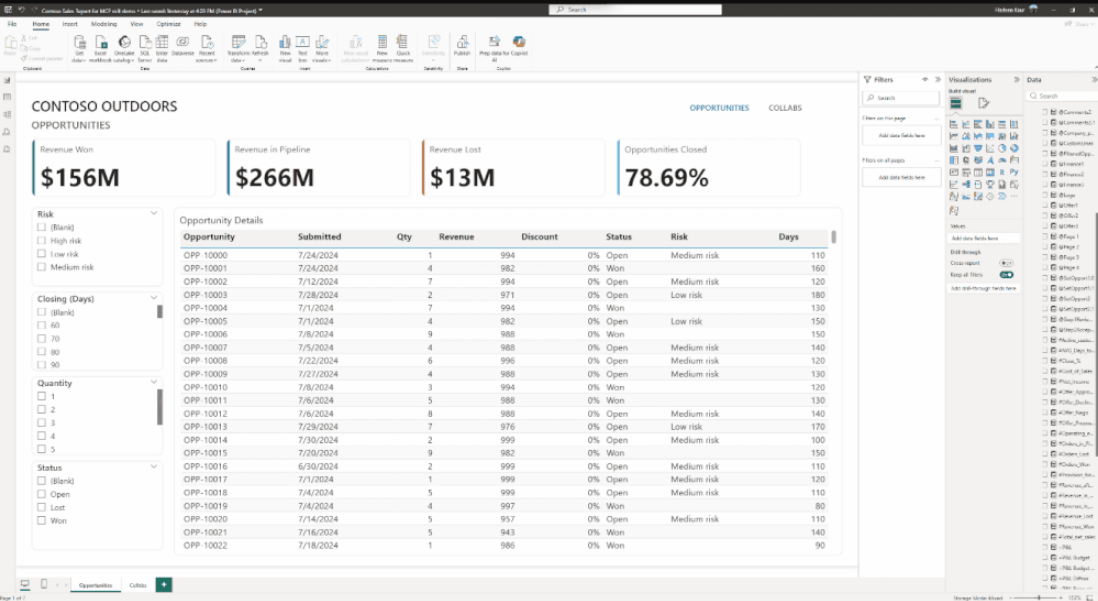
Microsoft has introduced Protection Policies for Power BI, providing organizations with a more consistent way to safeguard sensitive data across reports and analytics workflows. The new capability aims to simplify governance by applying protection rules that travel with data wherever it is used in Power BI.
Here's what you need to know:
Why isn't traditional security always enough?
Power BI already offers workspace roles, row-level security, and item permissions to control access. But what if you need protection based on how sensitive the data is, not just where it's stored?
What are Protection Policies?
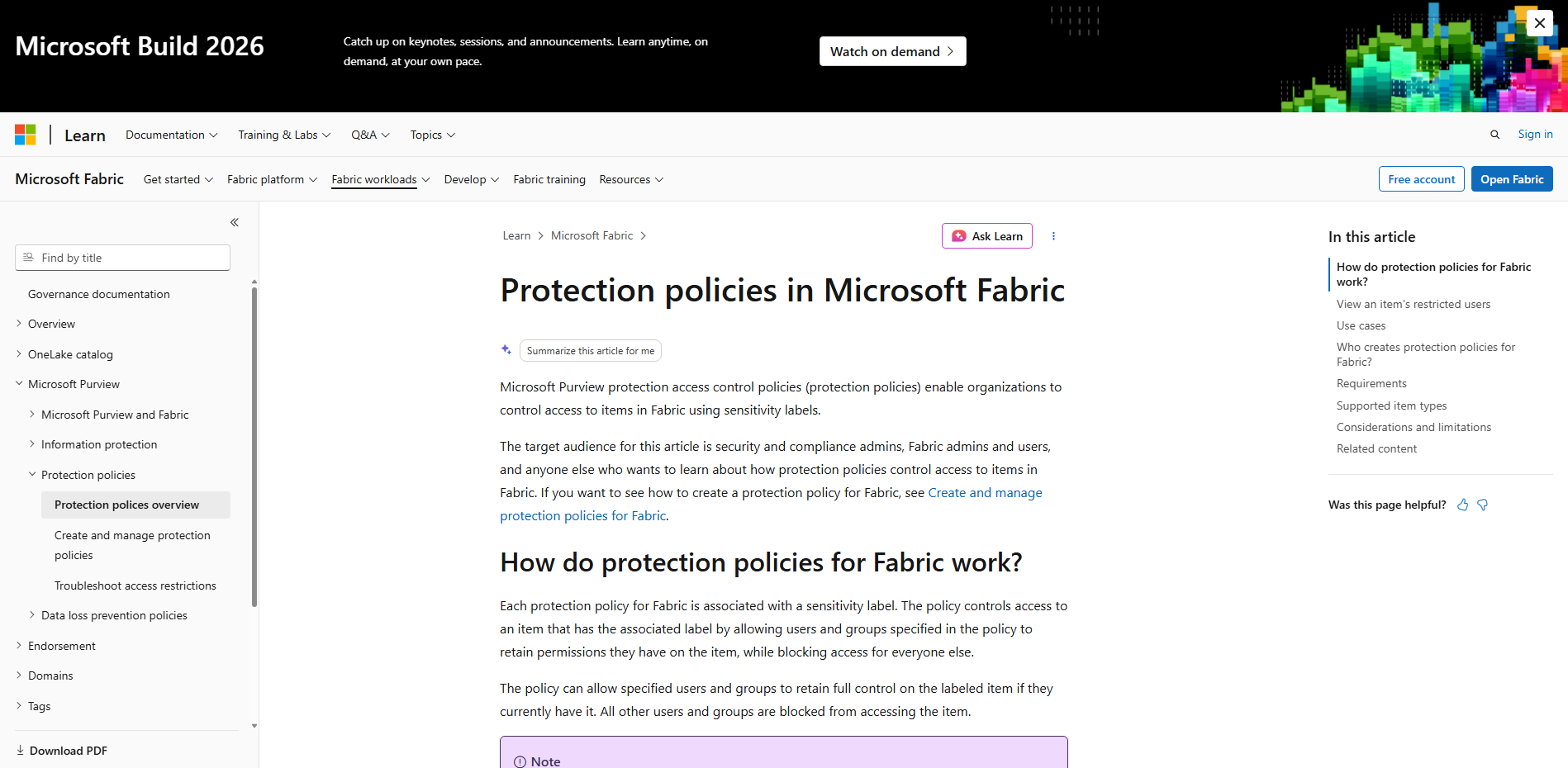
Protection Policies, powered by Microsoft Purview Information Protection, let you control access based on sensitivity labels. For example, if a dataset is labeled "Highly Confidential," only the users and groups defined in the policy can access it. Everyone else is automatically blocked—even if they have access to the workspace. Think of it as: label it once, protect it everywhere.
Why do semantic models matter?
Semantic models sit at the heart of Power BI's data layer, making them the perfect place to enforce protection. Since one semantic model can power multiple reports, applying a sensitivity label to the model (or upstream Fabric assets such as a Lakehouse or Warehouse) helps ensure protection follows the data wherever it's used.
How do you get started?
Simply configure Protection Policies in Microsoft Purview, apply sensitivity labels to your semantic models, and let Power BI handle the enforcement automatically.
Explore what Power BI can do for your organisation. Discover Business Intelligence and contact us today.