
Microsoft has shared a new guide showing developers how to review and manage GitHub pull requests directly within Visual Studio. The walkthrough highlights a more integrated PR review experience, helping developers inspect changes, leave feedback, approve and merge work, and bring Copilot into the review process without switching between tools.
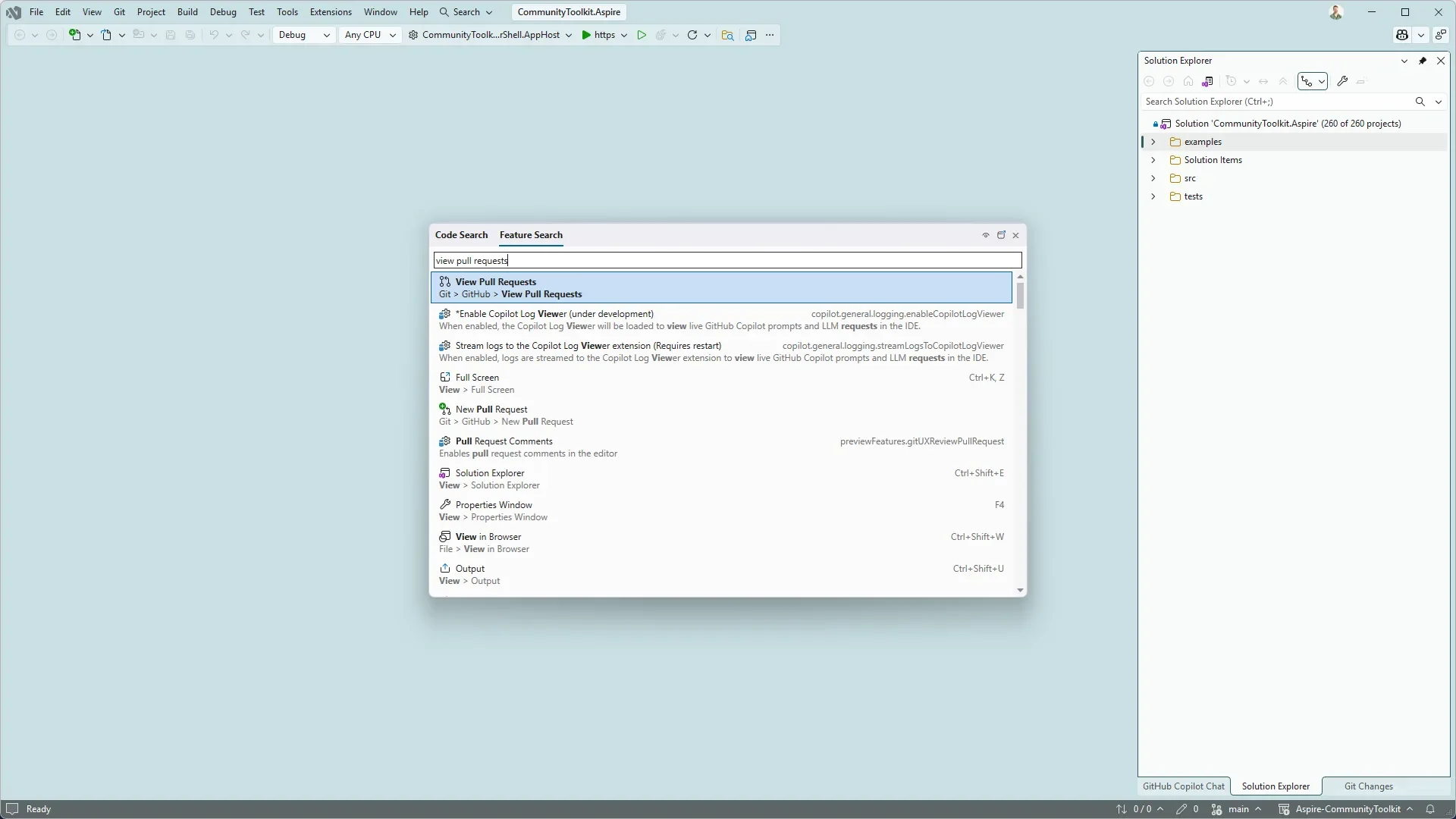
Here’s how:
Find Your Pull Requests
Open the pull requests for your repository by selecting Git → GitHub → View Pull Requests, or search for the command using Ctrl+Shift+P. Visual Studio groups pull requests by those assigned to you, all PRs in the repository, and even PRs created by Copilot on your behalf.
Review Code and Leave Feedback
Open a pull request to view its description, existing comments, and changed files, or open it in a new tab for more screen space. You can explore code differences with syntax highlighting, switch between the full file and a condensed summary, and add inline comments directly alongside the relevant lines.
Approve and Merge with Confidence
When the changes are ready, select Approve to update the pull request status on GitHub. You can also merge the PR immediately or configure auto-merge while waiting for the required checks and repository policies to be completed.
Bring GitHub Copilot into the Review
Need a second opinion while reviewing? Add the pull request to a Copilot chat using Add to Chat or reference it with #pullrequest:<id> to give Copilot the context it needs to help you explore the proposed changes.
Keep Your Pull Request Workflow in Visual Studio
Reviewing and actioning pull requests is a regular part of development, and switching between multiple tools can interrupt your workflow. With Visual Studio, you can review code, collaborate with your team, work with Copilot, approve changes, and merge pull requests from one integrated experience.
Looking for a reliable AI agent to help streamline your work in Dynamics 365 and Power Apps? Explore Infinity AI Agents and discover how AI can support your business processes. Contact us today to learn more.