
Microsoft has released the June update for Visual Studio, introducing new features that give developers greater visibility into AI usage and more confidence in the tools they use every day. The update focuses on improving transparency, strengthening security, and streamlining AI-assisted development workflows without disrupting existing coding experiences.
Here's what you need to know:
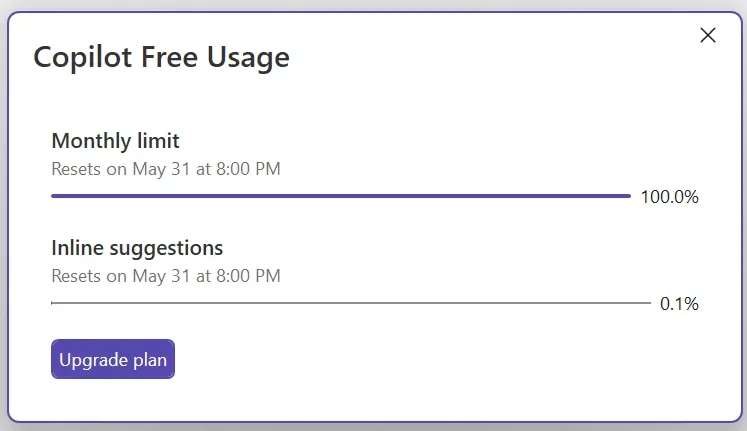
Stay on top of your Copilot usage
GitHub Copilot usage is now tracked based on token consumption, giving you real-time visibility into your usage and billing status. You'll also receive customisable alerts before you reach your quota, helping you stay ahead of your limits.
Verify MCP servers before they run
Visual Studio now validates MCP server configurations and fingerprints before they're launched, helping you detect unexpected changes. If differences are found, you'll be prompted to review and approve them before the server runs.
Modernise your C++ projects with AI
The GitHub Copilot modernisation agent for C++ is now generally available, making it easier to upgrade projects to the latest MSVC Build Tools. Run upgrades automatically or review every step through Guided mode before changes are applied.
Get smarter edit suggestions across your file
Long-distance Next Edit Suggestions can now recommend changes anywhere in your active file—not just near your cursor. This helps you keep related code synchronised with less manual searching and editing.
Bring your code to life with color emojis
Visual Studio now displays emojis in full color across the editor, Markdown previews, Copilot Chat, build output, and Solution Explorer. Visual indicators like ✅ and ❌ are now easier to recognize at a glance.
Empower your team with custom business applications that boost productivity and simplify everyday workflows. Contact us today and let's build a solution tailored to your business.