
Microsoft has released its January update for Visual Studio, bringing a series of editor improvements designed to enhance code navigation and overall usability. The latest Visual Studio update focuses on refining the integrated development environment with a range of user-requested adjustments that make working with code smoother and more intuitive.
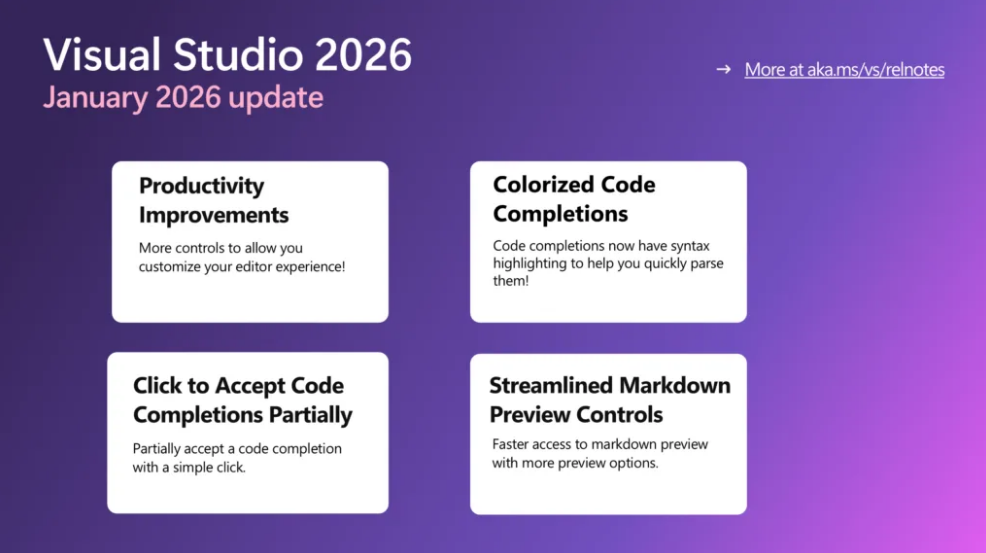
Here’s what’s new:
Productivity upgrades
Your editor just got faster and cleaner. Enjoy fast scrolling, middle-click scroll, HTML-rich copy/paste, syntactic line compression, and a slimmer left margin—making code reviews easier on the eyes and quicker to navigate.
Colorized code completions
Code suggestions now come with syntax highlighting, helping you instantly distinguish variables, functions, and other elements. Enable it via Tools > Options > Text Editor > Code Completions > “Use colorized text for code completions”.
Click-to-accept partial completions
No more all-or-nothing suggestions. Click directly inside a completion to accept only what you need—each segment highlights on hover so you know exactly what will be inserted.
Streamlined Markdown previews
The Markdown editor now offers quicker access to preview modes, Mermaid diagrams, and Copilot Chat markdown—less friction, faster feedback.
Discover what custom business applications can do for your organisation. Talk to our experts today.