
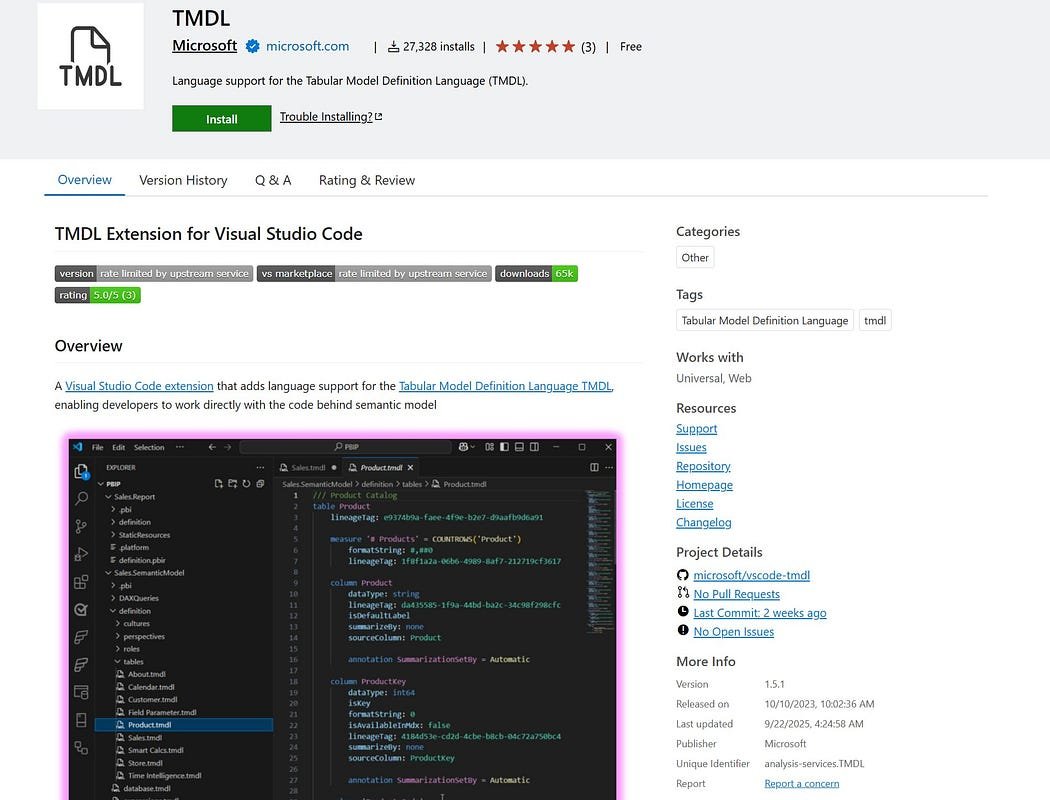
The TMDL Visual Studio Code Extension is now officially GA — offering semantic highlighting for DAX and Power Query, code navigation, formatting, localization, and other advanced authoring tools. This update empowers data teams to build and maintain semantic models in Power BI projects with enhanced readability, efficiency, and code-centric workflows.
Here’s what you need to know:
How to Get Started
Install the TMDL Extension from the Visual Studio Marketplace to accelerate your semantic model development.
DAX Support
Enjoy improved readability with semantic highlighting, real-time diagnostics, and autocomplete for DAX inside TMDL documents.
Localization
Hover descriptions and code action messages now adapt to your Visual Studio Code language settings for a consistent authoring experience.
Code Actions
Quickly fix and refactor issues like duplicated lineage tags and misspelled properties.
Code Navigation
Navigate TMDL objects effortlessly through a clean hierarchical structure.
Code Formatting
Automatically format your TMDL code for readability and consistency.
See how custom applications can transform your organisation. Get in touch with us today!