
Microsoft has announced support for the Desktop Companion App (DCA) in embedded mode for Dynamics 365 Contact Center, enabling more reliable voice continuity when customer service reps work inside third-party CRM environments. The update helps maintain active voice calls even if the browser refreshes or becomes unresponsive, offering lower latency and uninterrupted communication workflows
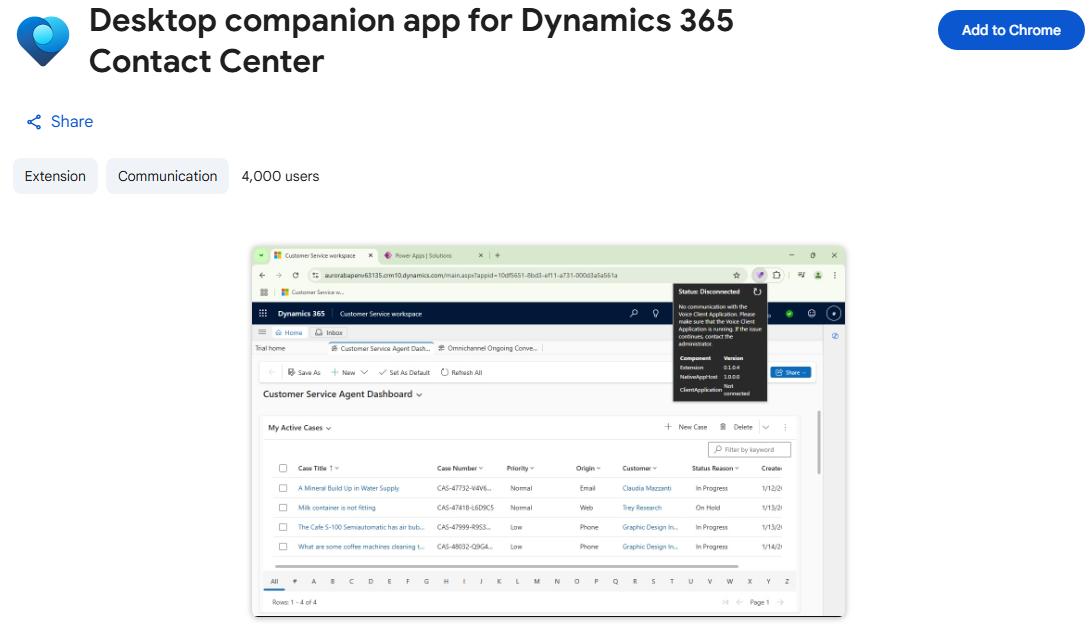
Here’s what you need to know:
Why it matters
Embedded deployments let organisations run Contact Center inside a non-Microsoft CRM without switching tools. Pairing it with DCA keeps voice traffic independent from the browser — reducing dropped calls and improving audio stability.
What’s new for Embedded mode
You get call continuity during browser refreshes or freezes, lower latency, steadier audio, and lightweight controls designed for cross-CRM environments.
How it works
Dynamics 365 Contact Center routes the interaction, DCA establishes a desktop voice path to maintain the call, and once the browser session stabilises, everything re-synchronises — keeping the CSR in one seamless workflow.
Why use it
It delivers higher reliability, better call quality, and improved CSR productivity — without disrupting existing CRM workflows.
Getting started
Enable the embedded experience, install the required browser extension, and configure DCA. Once set up, CSRs can use it as needed while recording and transcription continue (if configured).
Strengthen customer loyalty and drive smarter engagement with a powerful CRM solution. Get in touch with us today.