Microsoft has released its May 2026 update for Visual Studio, introducing new features designed to improve how developers plan, review, and refine their work. The update brings AI-assisted workflow enhancements, including the new Plan agent, improved multi-file review experiences, and better management of Agent Skills within GitHub Copilot. Together, these additions aim to create a more deliberate and collaborative development process inside Visual Studio.
Here are some of the standout updates:
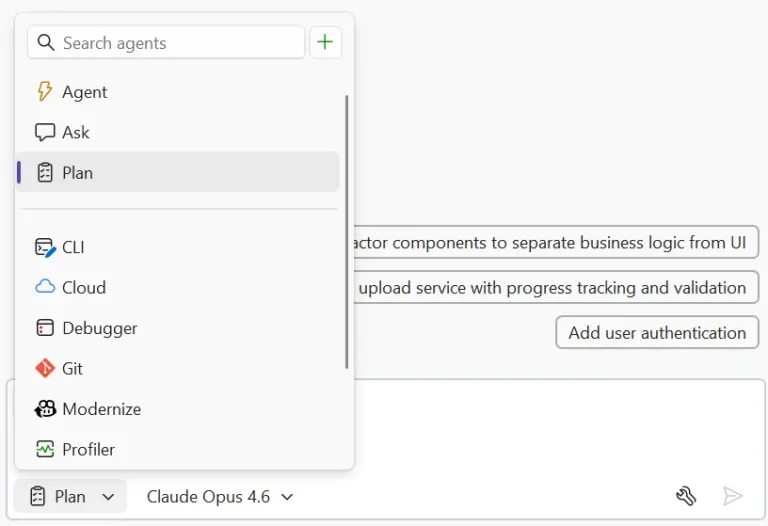
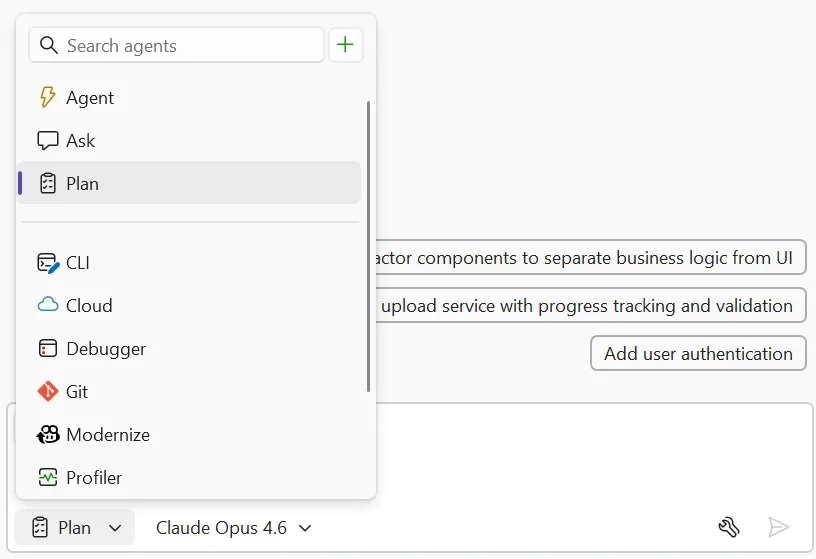
Plan before you build with the Plan Agent
Instead of jumping straight into code, you can now collaborate with Copilot on an implementation plan first — with zero changes made to your codebase until you’re ready.
View and manage Agent Skills
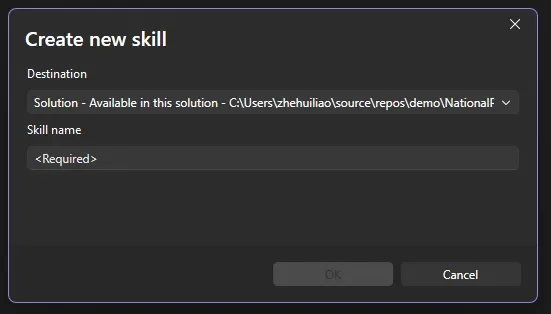
As your Agent Skills library grows, staying organised matters. The new Skills panel gives you a centralised place to discover, review, and manage skills from your workspace and user profile.
Manage context window usage
Copilot conversations rely on context history, attached files, and previous prompts. Visual Studio now shows how much of the context window you’ve used, helping you avoid losing important conversation details.
Multi-file summary diff for Copilot changes
Reviewing multiple edited files one by one can slow you down. The new summary diff combines all Copilot-generated changes into a single unified review experience.
Multi-file summary diff beyond Copilot
The same streamlined review experience now works for commits and pull requests too, making it easier to understand changes across multiple files at a glance.
Commit message instructions moved
Commit message custom instructions are no longer managed in Source Control Integration settings. They’ve now moved to the Copilot custom instructions file within your repository.
Looking to streamline your organisation’s workflows? Discover custom business applications tailored to your needs, and contact us today to get started.