
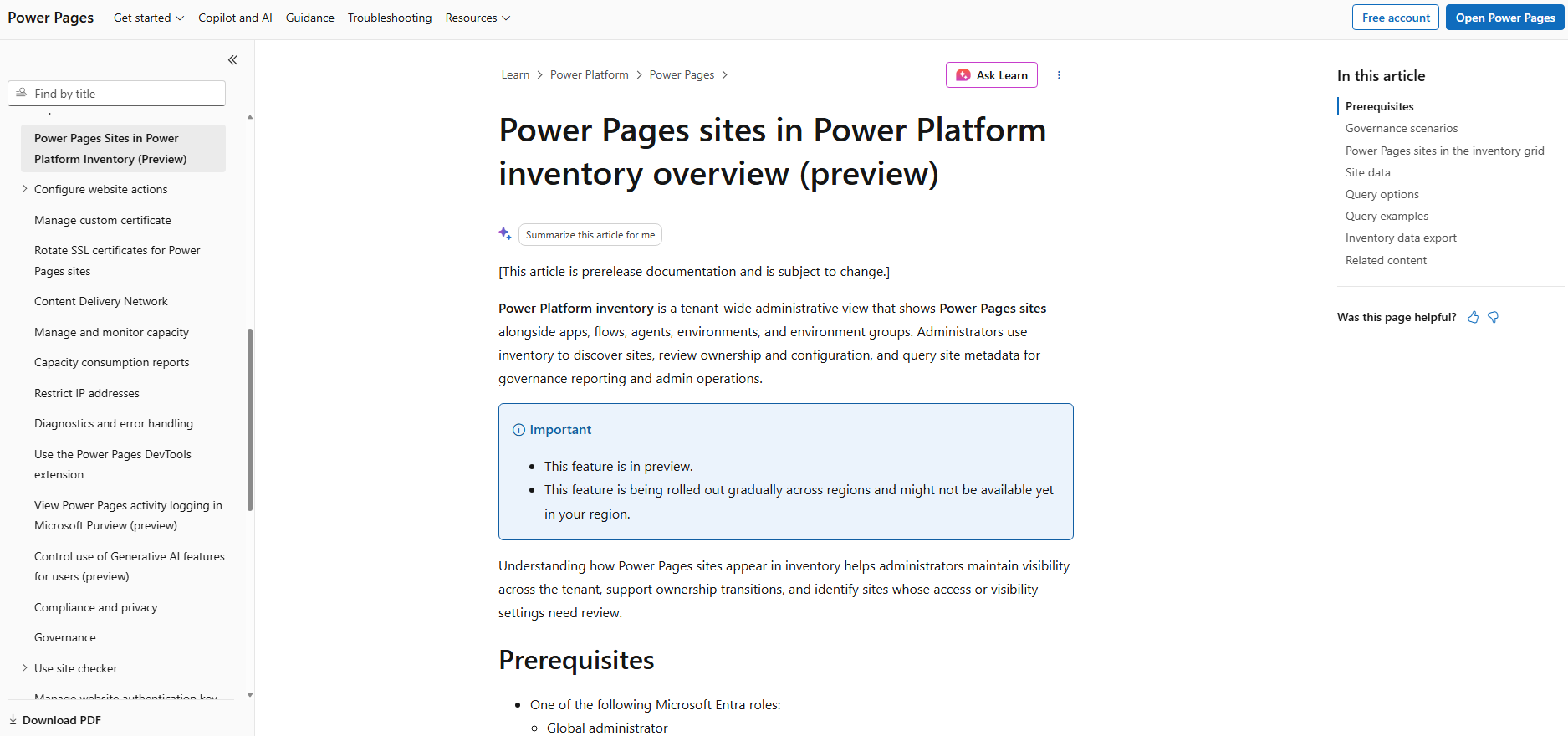
Microsoft has announced the public preview of Power Pages site support in Power Platform inventory, giving administrators a centralised view of their sites across different environments. This update makes it easier to discover, review, and manage Power Pages sites alongside other Power Platform resources, supporting better administration and governance.
Here's what you need to know:
What's New?
Power Pages sites are now included in Power Platform inventory, giving administrators a centralised view of sites across environments. They can search, filter, sort, query, and export site information for easier tracking and reporting.
Why Does This Matter?
Having Power Pages sites in one central inventory gives administrators better visibility and control over their environments. It also simplifies site administration, ownership transitions, configuration reviews, and broader governance activities.
Example in Action
When a support request comes in for a customer or partner portal, administrators can quickly locate the site and identify its owner to coordinate the investigation. They can also use inventory during scheduled reviews to identify sites with anonymous access and check whether their visibility settings are appropriate.
How to Get Started
Administrators with Global Administrator, Power Platform Administrator, or Dynamics 365 Administrator roles can access Power Pages sites through the Power Platform admin center. Simply navigate to Manage > Inventory, filter the Item type column to Sites, and customise your view to find the information you need.
Discover how Power Pages simplifies membership management for Human Resources New Zealand (HRNZ). Read our case study to learn more, and contact us today to discuss how we can support your organisation.