
Microsoft has removed the long-standing limitation that prevented Excel users from drilling into underlying data when connected to Direct Lake and DirectQuery Power BI semantic models. With the update, Excel’s Show Details feature now works consistently across Import, Direct Lake, and DirectQuery connections, enabling deeper data inspection directly from PivotTables without switching modes.
Here’s what’s new:
What’s new
Power BI now enables drillthrough for Direct Lake and DirectQuery models, allowing you to double-click a PivotTable cell and view the underlying detail rows—even when connected live. No need to switch to Import mode for deeper analysis in Excel.
How it works
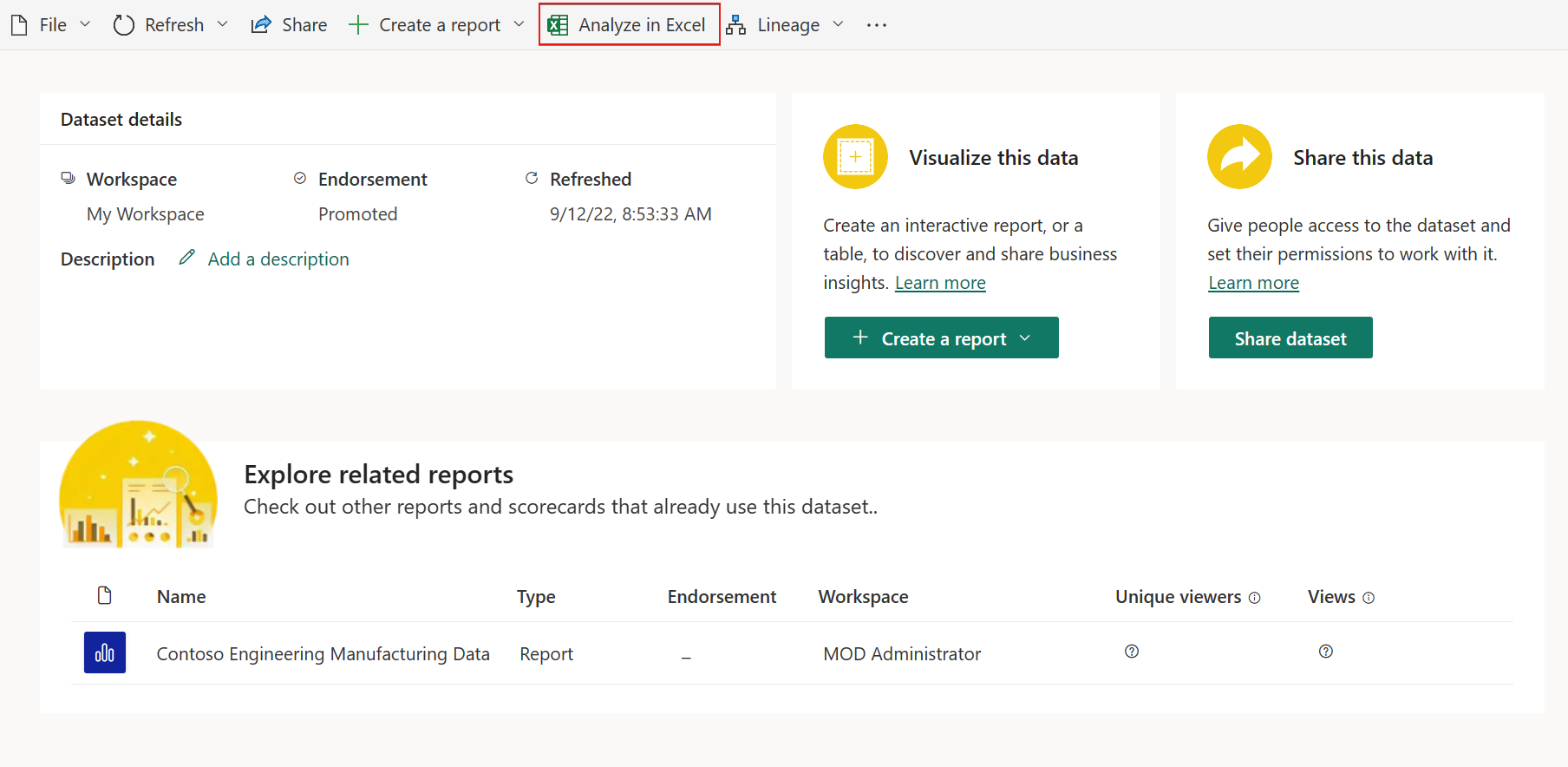
Connect to your semantic model as usual using Analyze in Excel. Make sure you’re using explicit measures or fields that support detail rows, then double-click a leaf-level PivotTable cell to explore the data.
Performance considerations
Drillthrough performance depends on the source system and query complexity—especially for DirectQuery models connected to external data sources.
See how the Independent Police Conduct Authority used Power BI to turn data into insights. Explore the case study and talk to us today.