
Microsoft has announced that custom tools and rich app-powered UI for app-based conversations are now in public preview, marking the next evolution of Power Apps within Microsoft 365 Copilot. The update enables makers to go beyond standard grids and forms by building tailored business actions and immersive, interactive experiences directly inside Copilot. This move gives organizations greater flexibility to shape how users interact with their apps through conversational AI.
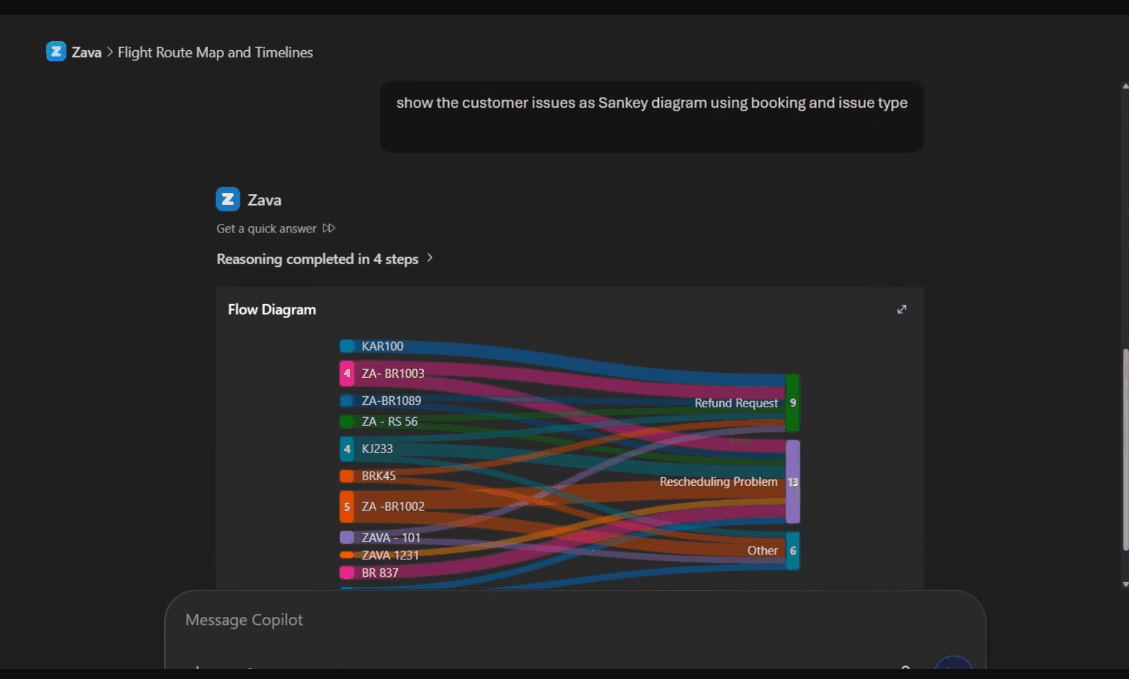
Here’s what you need to know:
Custom tools: Bring your app logic into Copilot
Your app’s MCP server already supports core actions like querying, creating, and updating data in Microsoft Dataverse. Now, you can go further. Custom tools let you extend your app agent with your own MCP-powered actions—built directly in Power Apps using the prompt builder. Define the name, description, and instructions, and Copilot intelligently decides when to use each tool based on its metadata.
App-powered UI widgets: Design the experience
Widgets are standalone, MCP-compliant HTML components built with Fluent UI, automatically adapting to Copilot’s light and dark themes. You can even generate them using natural language with the generate-mcp-app-ui skill in Claude Code or GitHub Copilot CLI—making it faster to create polished, ready-to-use interfaces.
Getting started is simple
Enable your app’s MCP server → Add custom tools → Attach a widget → Deploy
Ready to bring AI into your Dynamics 365 and Power Apps workflows? Discover what Infinity AI Agent can do for your team—get in touch with us today.