
Microsoft has introduced a new modernize-dotnet custom agent that enables developers to modernize .NET applications across multiple environments, including Visual Studio, Visual Studio Code, GitHub Copilot CLI, and GitHub. The tool extends the modernization workflow beyond a single IDE, allowing teams to assess, plan, and execute upgrades directly within the tools they already use. It is part of the broader GitHub Copilot modernisation platform aimed at simplifying application upgrades and migrations for developers.
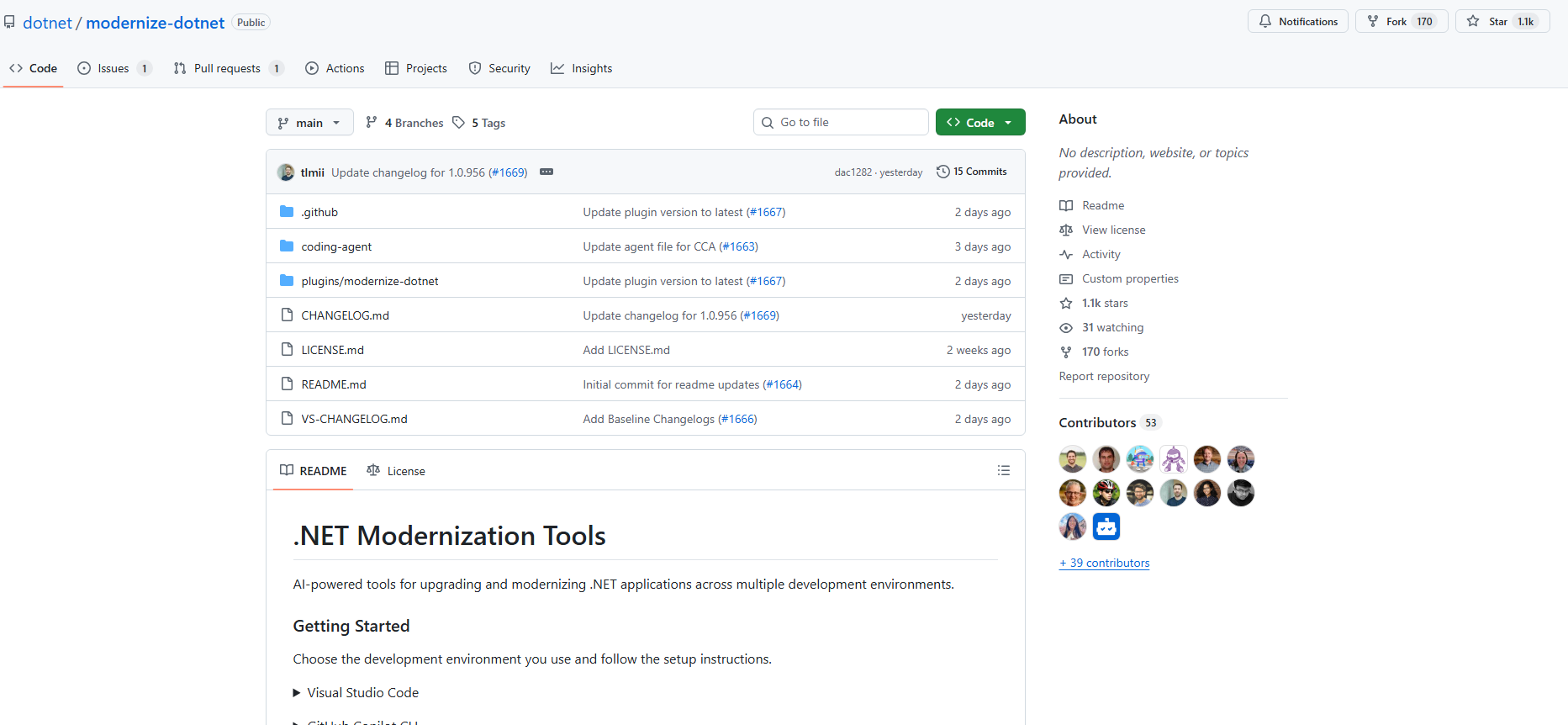
Here’s what you need to know:
What the agent produces
Each modernization run generates three artifacts in your repository: an assessment highlighting scope and blockers, a proposed upgrade plan, and upgrade tasks that apply the required code transformations.
Using it in GitHub Copilot CLI
Terminal-first developers can modernize directly from the shell. Simply install the plugin from the marketplace, select the agent, prompt it, and review the generated upgrade tasks before executing them.
Using it in GitHub
The agent can run directly inside your repository. The generated artifacts live alongside your code, allowing teams to review modernization plans just like any other code change.
Using it in VS Code
Install the GitHub Copilot modernization extension, select modernize-dotnet from the Agent picker in Copilot Chat, and prompt the agent with the upgrade you want to perform.
Using it in Visual Studio
For Visual Studio users, the workflow is fully integrated. Right-click your solution or project in Solution Explorer and select Modernize to begin the upgrade process.
Supported workloads
The modernization agent supports many common .NET project types, including ASP.NET Core, Blazor, Azure Functions, WPF, class libraries, and console apps. Migration from .NET Framework to modern .NET is also supported for several application types, with Web Forms support coming soon.
Custom skills support
The agent also supports custom skills, enabling teams to embed internal frameworks, migration patterns, or architectural standards directly into the modernisation workflow.
Want an AI agent that helps you work more efficiently in Dynamics 365 and Power Apps? Explore Infinity AI Agents and contact us today to get started.