
Microsoft is rolling out a new capability in Dynamics 365 Customer Service that enhances how teams automate responses during inactive conversations. The update introduces smarter timeout handling designed to keep support workflows moving smoothly. More details reveal how this feature strengthens overall service efficiency.
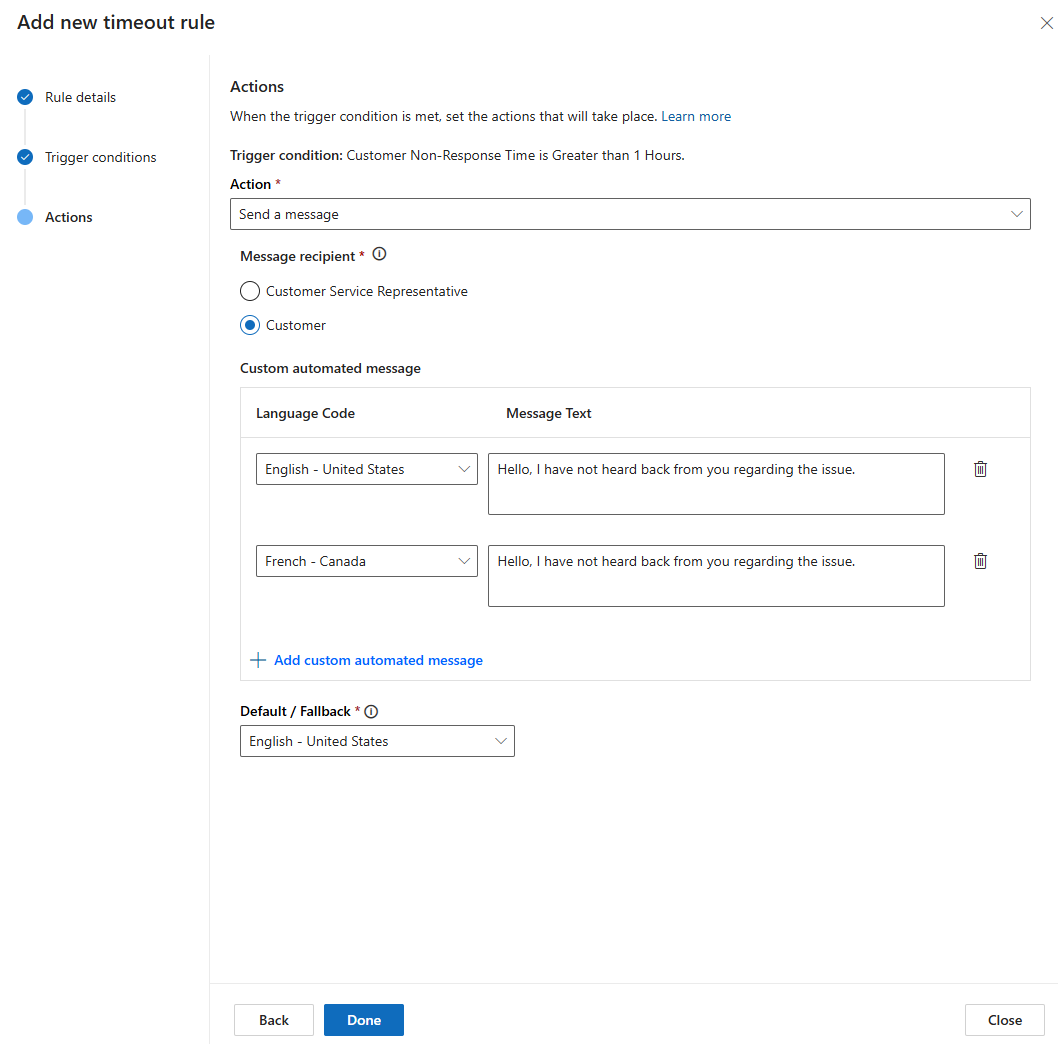
Here’s the quick rundown:
Why use it?
Timeout rules help teams stay on top of SLAs, streamline workflows, and keep customer experiences consistent across all messaging channels.
How does it work?
Think of scenarios like inactive chats — instead of letting them linger, timeout rules can automatically close them after a set period. No manual cleanup needed.
Expanded channel support
Timeout rules now work across major channels including persistent chat, SMS, Teams, WhatsApp, LINE, Messenger, WeChat, Apple Messages for Business, and live chat.
Keep conversations moving
You can automatically shift active conversations into a waiting state, helping your team focus on urgent issues first.
What’s next?
More capabilities are on the way — including automatically releasing conversations back into the queue for quicker resolution.
Ready to see how a customer relationship management system can transform your organisation? Get in touch with us today!