
Microsoft is making it easier for developers to pick up where they left off during bug investigations in Visual Studio 2026. The latest version introduces improvements that help preserve unfinished notes between sessions, so developers can return to their investigation without losing track of important details.
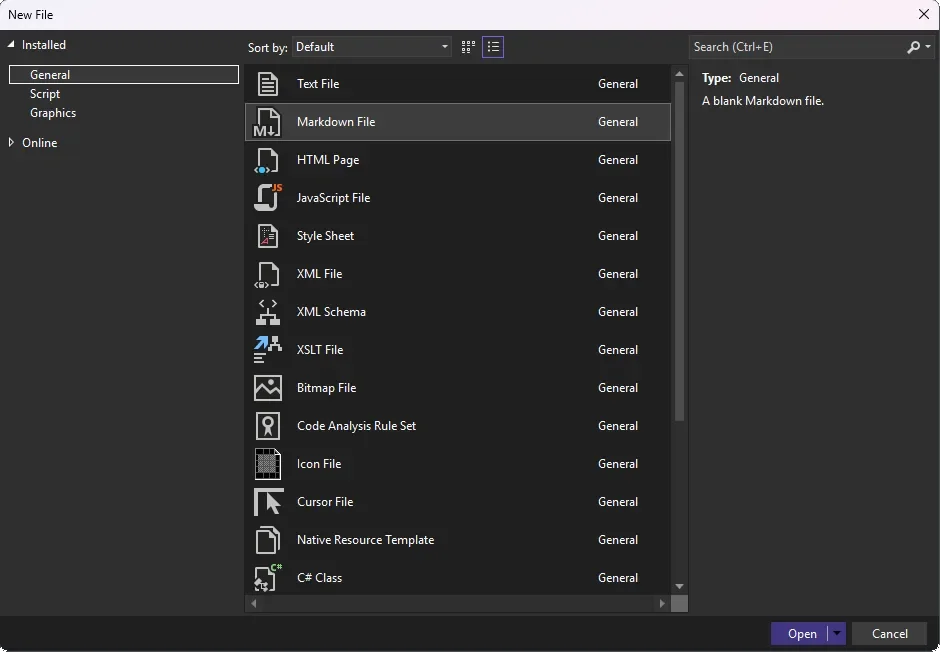
Here's what you need to know:
Create a Standalone Markdown Note
Press Ctrl + N, select Markdown File, then choose Open to start writing without adding the file to your project. You can organise your investigation notes using headings, lists, and code blocks, then preview your Markdown as you work.
Pick Up Where You Left Off
Enable Hot Exit by going to Tools > Options > All Settings > Projects and Solutions > General and selecting Reopen unsaved documents on solution load or empty environment. Once enabled, Hot Exit restores your open documents and unsaved edits when you reopen Visual Studio, letting you continue your notes without saving them immediately.
Get More from Hot Exit
Hot Exit also preserves changes to previously saved files, your tab and window layout, and undo functionality for saved files. You can even continue using Ctrl + Z on saved files after restoring your session.
Keep Temporary Notes Separate from Your Project
Standalone Markdown files are useful for recording debugging steps, tracking possible causes, or listing what to investigate next. When you're ready to keep or share your findings, save the note and add it to your repository if needed.
Connect your core business systems with custom-built applications designed around your organisation’s needs. Improve efficiency, streamline workflows, and help your business perform at its best. Contact us today to learn more!