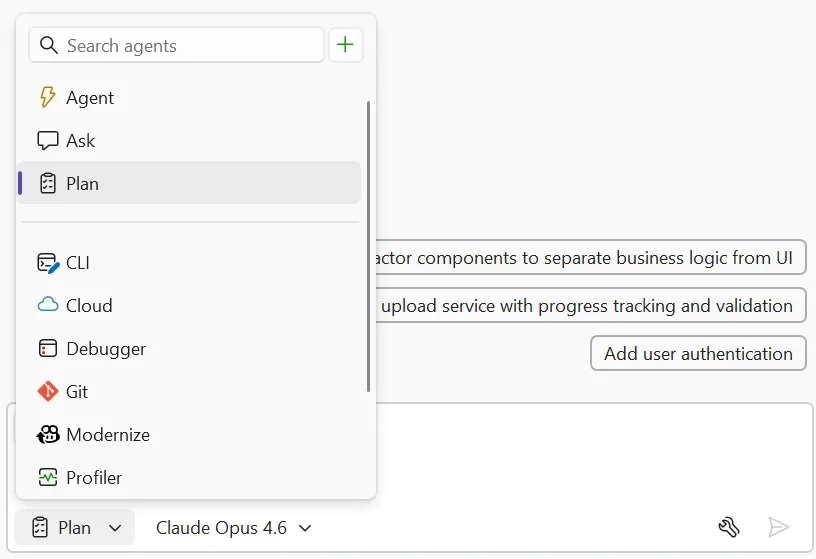
Microsoft is highlighting new ways .NET developers can get more value from GitHub Copilot, focusing on practical workflows instead of simply learning every feature individually. The latest guidance explores how developers can use Copilot across tools like Visual Studio, Visual Studio Code, the Copilot CLI, and cloud coding agents to improve planning, reasoning, and execution.
As AI-assisted development continues to evolve, Microsoft is encouraging developers to adopt more agentic and collaborative coding workflows that help streamline day-to-day development tasks.
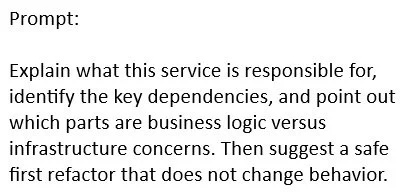
Here’s how you can start using chat for reasoning and agentic workflows for execution instead of trying to learn every single feature:
Match the Tool to the Work
Visual Studio, Visual Studio Code, the Copilot CLI, and the cloud coding agent each excel at different kinds of .NET tasks. Instead of asking which tool is “most advanced,” focus on which one best fits the work you need to complete right now.
Focus on the Task Before the Feature
The fastest way to get value from Copilot is by asking what part of the task you can delegate. For example, before modifying a legacy ASP.NET Core service, use chat to understand dependencies, feature flags, and business logic so you can work with confidence instead of making blind changes.
Build Better Prompts for Better Results
Strong .NET prompts usually include four things: the goal, the related code or output, the constraints, and the expected result. Giving Copilot clear context helps produce answers that are more accurate, actionable, and aligned with your coding standards.
Put Agentic Workflows into Practice
Agentic workflows are most effective for tasks that are multi-step, reviewable, and clearly scoped. They can help clean repetitive logging, resolve nullable warnings, refactor guard clauses, or modernise result-handling patterns while keeping the work structured and traceable.
Know When to Use Chat vs Agents
Use chat when you need help understanding, outlining, comparing, explaining, or drafting. Use agentic workflows when you need assistance making updates, verifying changes, rerunning checks, and delivering a reviewable result.
Develop Habits That Improve Copilot Output
Always define boundaries, state constraints clearly, and explain what must not change before starting a task. For .NET projects, this could mean preserving public APIs, following existing xUnit patterns, keeping DI registration styles consistent, or limiting nullable annotation updates to a specific project.
Build smarter workflows with AI that understands your needs in Dynamics 365 and Power Apps. Discover Infinity AI Agents and contact us today.